
Entertainment
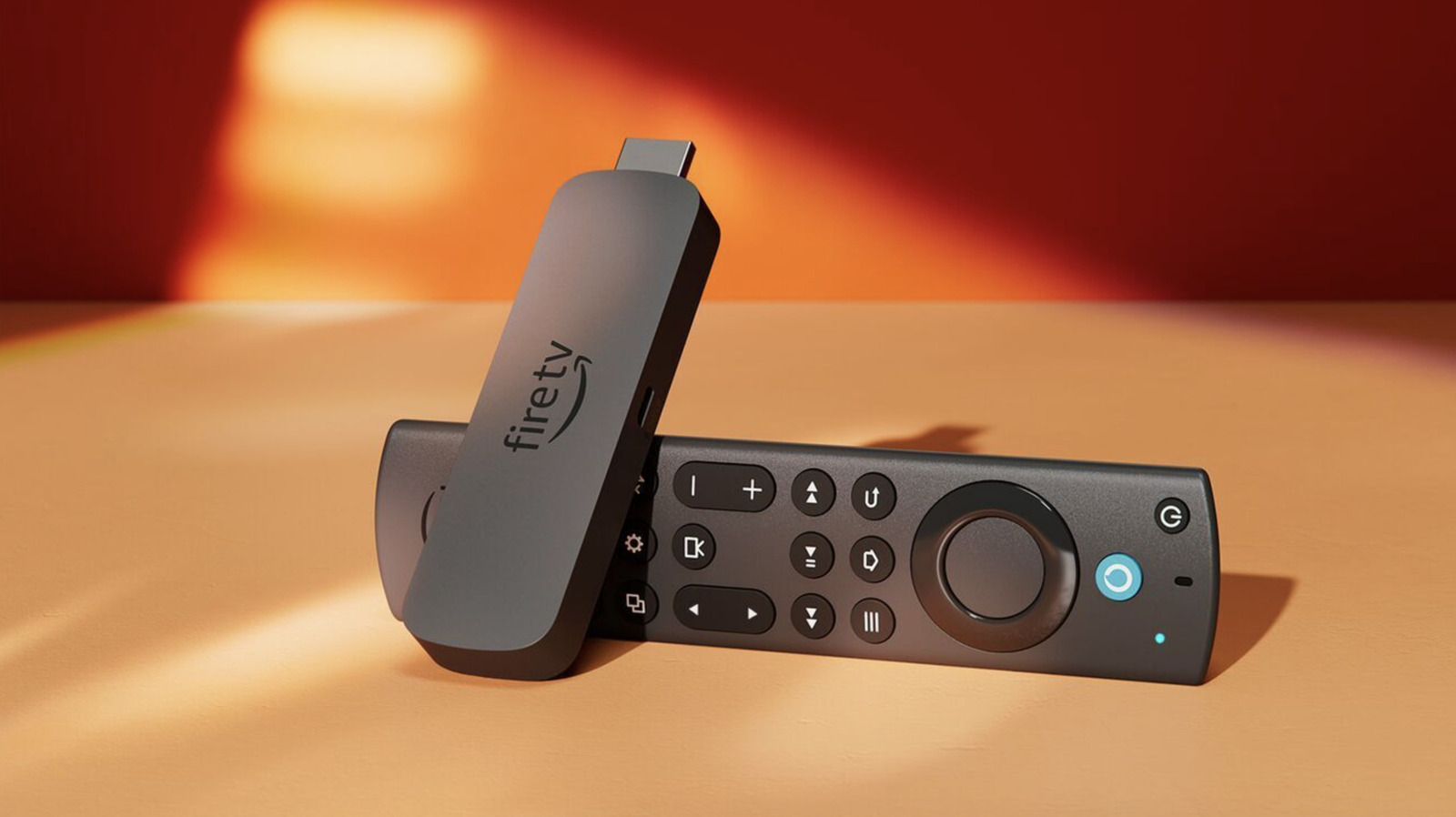
You may be plugging your Fire TV Stick into the wrong HDMI port
Key Points
You may be plugging your Fire TV Stick into the wrong HDMI port Not all ports are built equal. Streaming sticks are incredibly handy. They magically transform a regular dumb TV into a smart one in an instant, and even in an era where the vast majority of TVs have their own suite of baked-in streaming apps, you can often get a faster and more elegant experience with a dedicated device like Amazon's Fire TV Stick.
You may be plugging your Fire TV Stick into the wrong HDMI port
Not all ports are built equal.
Streaming sticks are incredibly handy. They magically transform a regular dumb TV into a smart one in an instant, and even in an era where the vast majority of TVs have their own suite of baked-in streaming apps, you can often get a faster and more elegant experience with a dedicated device like Amazon's Fire TV Stick. But one thing you should be mindful of is the HDMI port you plug it into, as you might be using the wrong port.
To be clear (and to calm any nerves), no HDMI port is so wrong that it'll instantly fry your TV if you happen to slot the Fire TV Stick into it. In fact, you can technically plug any HDMI device into any of your TV's ports and they'll work just fine. It's more about understanding how those ports behave, and whether you're taking advantage of their specific benefits with how your home entertainment system is arranged. Let me explain.
The HDMI port you should be using for your Fire TV Stick
Most modern TVs now come with a mix of HDMI 2.0 and HDMI 2.1 ports, some of which might be marked as ARC or eARC. HDMI 2.1 is the newer standard, and was designed to allow for far more bandwidth that its predecessor, making it perfect for 4K and 8K video, as well as games consoles that are hungry for the highest frame rates.
The exact arrangement of ports your TV has and how to identify them depends on the brand of the TV. If you're buying an ultra-modern flagship, for example, all of the ports might be HDMI 2.1-certified. Conversely, an older TV might not have any. The easiest way to tell which ports your TV has is to look at the box it comes in, where the specifications will very likely be listed somewhere.
If you've already chucked that away, you can usually identify an HDMI 2.1 port by the sticker next to it, which might explicitly list the spec, or say something like "4K @ 120Hz." It may also just say "Game." When a port is ARC/eARC it'll usually have a sticker indicating as much, while a regular HDMI 2.0 port will typically just say "HDMI" with whatever number corresponds to that port.
HDMI 2.0 only affords you 18 Gbps of bandwidth, while the 2.1 standard doesn't top out until you hit 48 Gbps. For this simple reason, your HDMI 2.1 ports should be reserved for the devices that really make use of that additional headroom, and the Fire TV Stick isn't one of those.
With a maximum resolution of 1080p/60Hz, the Fire TV Stick HD (the entry-level model) is wasted on an HDMI 2.1 port, while the Fire TV Stick 4K maxes out at 4K/60Hz, which also falls within HDMI 2.0's bandwidth capabilities. The Fire TV Stick 4K and 4K Max add support for HDR standards like Dolby Vision, HLG and HDR10+, as well as Dolby Atmos audio, all of which are also supported by HDMI 2.0.
If you have one of the UHD Fire TV Sticks and a spare HDMI 2.1 port then it's definitely advisable to plug it into that to ensure your audio and video output is as good as it can be. But if you're a gamer and own an Xbox Series X, PS5 or PS5 Pro, reserve the HDMI 2.1 ports for those first and foremost. This allows you to play games at up to 4K/120Hz where supported and unlocks valuable performance features like Variable Refresh Rate (VRR).
What about HMDI ARC?
There is another factor to consider if you think you might be using the wrong port for your Fire TV Stick. Anyone with an external audio output device like a soundbar should make sure that any ports on your TV labeled ARC or eARC are kept free to accommodate that.
This is because these ports allow you to send audio from your TV to your soundbar or audio receiver using a single HDMI cable, eliminating the need for separate cables. Some TVs only feature one ARC/eARC port, and in those cases you should keep it free for your soundbar or other compatible audio equipment.
In summary, by all means plug your Fire TV Stick (whatever the model) into any port you like if you don't have a host of other devices that will benefit a lot more from hardware specifications like HDMI 2.1 (or even 2.2 as it becomes more widely available). But if you own current-generation gaming hardware, reserve your HDMI 2.1 ports for that first, as HDMI 2.0 is perfectly capable of facilitating any Fire TV Stick model's features. And if you have a soundbar, make sure it's plugged into your ARC/eARC port.