
Technology
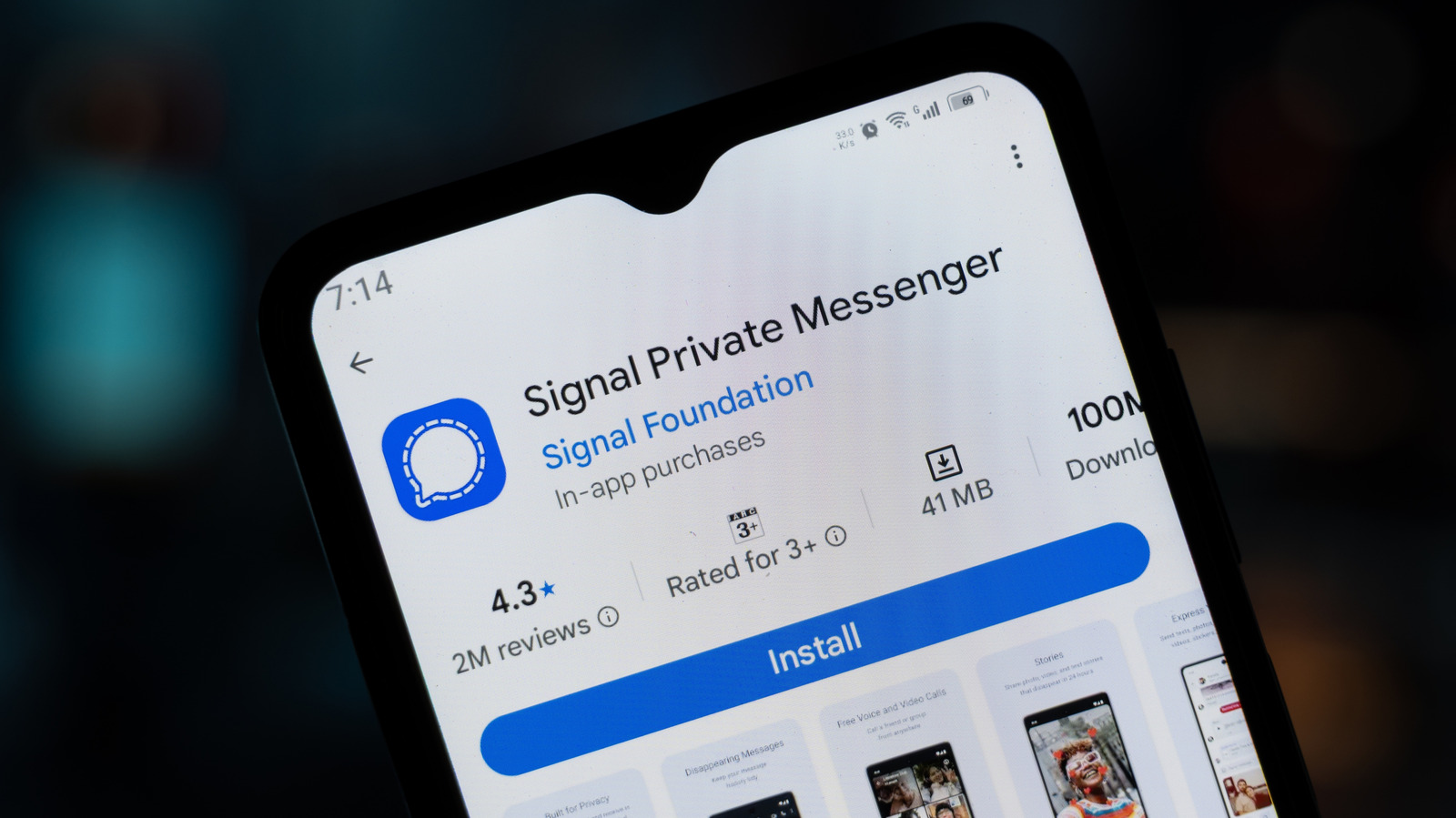
Signal is testing the ability to add an Android phone or tablet as a secondary device
Key Points
Signal is testing the ability to add an Android phone or tablet as a secondary device The app’s latest beta lets you use your account on another Android phone or tablet. Signal's latest beta version comes with a feature we're sure a lot of people will find useful: The ability to link an Android phone or tablet to your existing account as a secondary device. At the moment, you'll have to register a separate number if you want to use the Signal app on two phones.
Signal is testing the ability to add an Android phone or tablet as a secondary device
The app’s latest beta lets you use your account on another Android phone or tablet.
Signal's latest beta version comes with a feature we're sure a lot of people will find useful: The ability to link an Android phone or tablet to your existing account as a secondary device. At the moment, you'll have to register a separate number if you want to use the Signal app on two phones. But with this feature, you'll be able to access one account and a synchronized chat history across devices. The website AboutSignal first reported that the messaging service is testing the capability.
While the feature is still currently in beta, Signal has already updated its support page to show how to link Android phones and tablets to your primary device. Previously, you could only link your primary phone with iPads and computers. To link a new Android phone or tablet to your account, download the Signal app on those devices from Google Play. On a phone, start the welcome process and then on the screen that asks you for your phone number, tap on the kebab menu on the upper right corner instead and choose "Link device." On a tablet, you'll come across a "Link your account" button on the welcome screen.
Your Android phone or tablet will show you a QR code that says "Scan this code to link your account," which you then have to scan with your main device. Just go to Signal Settings > Linked devices > Link a new device. You'll then be able to choose whether or not to synchronize your chat history with the secondary device on the screen of your primary phone. Take note that if you choose not to and change your mind later, you will have to reinstall Signal on the phone or tablet you want to link.
AboutSignal also found that the messaging service designed an interface with a split-screen view for tablets. It shows a panel on the left-hand side with a list of your chats next to a bigger panel with the conversation you have open. As you can guess, the new view works best on landscape mode. The good news is that you can customize the view — you can, for instance, remove the chat list — based on what you want to see. Signal has yet to announce when these features will be more widely available.
[Image text:] .
Signal Private Messenger
7:14
Signal Foundation
100N
In-app purchases
Downlo
41MB
Rated for 3+
39
4.3*
2M reviews
Install