
Technology
No charger, no problem: The best ways to charge your phone away from an outlet
Key Points
No charger, no problem: The best ways to charge your phone away from an outlet Even if you forget your charger, you can keep your phone powered with just a USB cable. We may receive a commission on purchases made from links. You've likely had your phone run out of battery before the day was over.
No charger, no problem: The best ways to charge your phone away from an outlet
Even if you forget your charger, you can keep your phone powered with just a USB cable.
We may receive a commission on purchases made from links.
You've likely had your phone run out of battery before the day was over. Maybe you're on a trip and relying heavily on your phone for photos and navigation. Or maybe your device is just old, and its battery life isn't what it used to be. Perhaps you tend to doomscroll or watch too many short-form videos to pass the time.
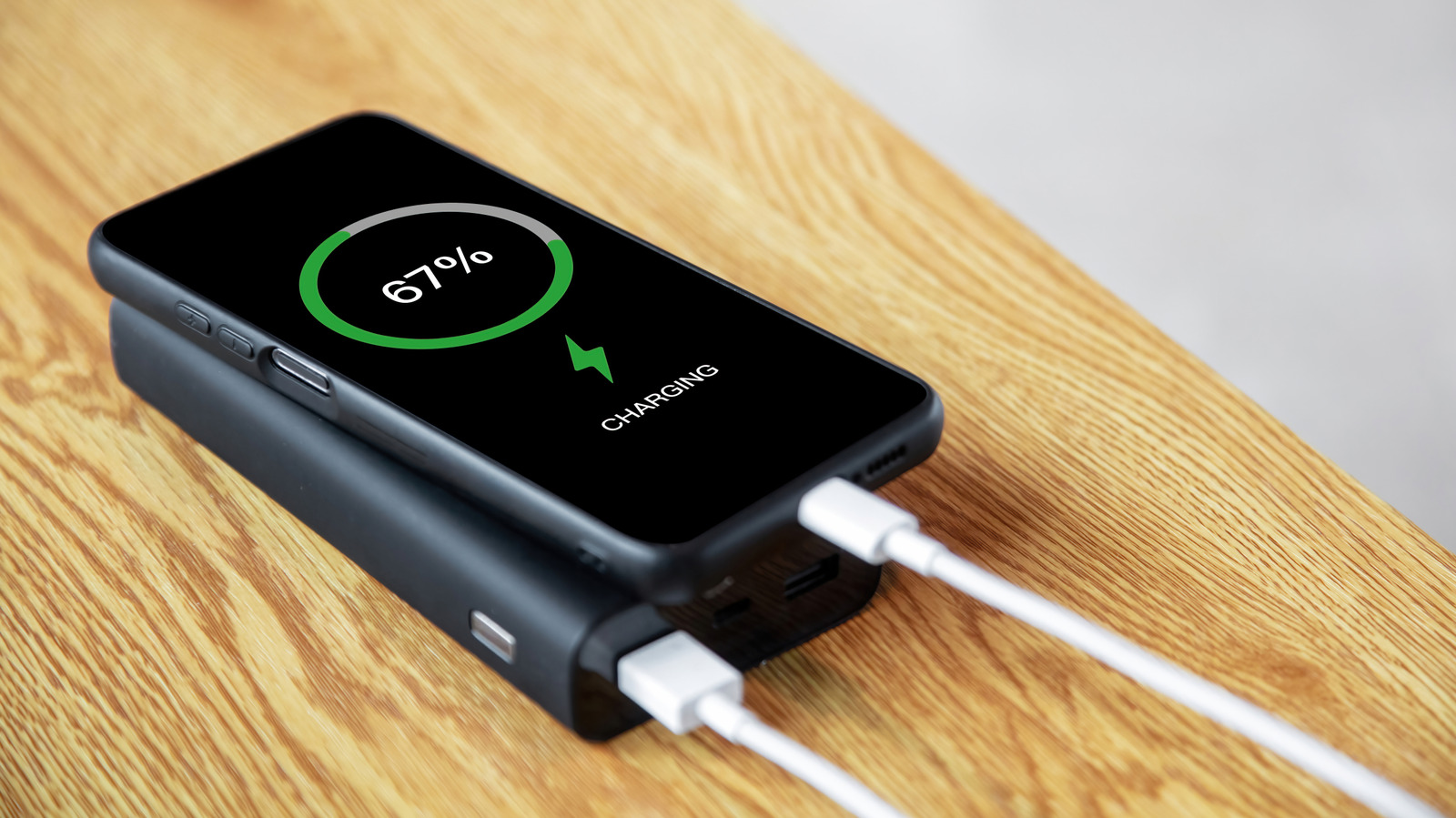
Whatever the reason, we're not here to judge. But the next time this happens, you should be aware of ways to charge your phone when you're out and don't have ready access to a charger or an outlet. Beyond phones with removable batteries making a return, a power bank is your best option for extending your device's power. But don't worry; they aren't a pain to carry like they once were.
The actual best way: Carry a power bank
We're way past those chunky and heavy power banks from previous years. You have plenty of options now that are smaller and lighter, which you can take with you even if you only carry smaller bags or wear men's jeans that actually have pockets. Sure, there are still hefty power banks, but they have huge capacities and are typically meant for larger devices like laptops. If you only need an emergency power source for your phone, a 5,000mAh to 10,000mAh power bank is totally fine.
If your phone has magnetic wireless charging (an iPhone with MagSafe or any phone with Qi2 support), Anker offers a couple of great options. For instance, the Anker MagGo Power Bank with 10,000mAh capacity is our best power bank model for 2026. Upon testing, it was able to charge an iPhone 15 from almost dead to half full in about 45 minutes, then it had enough power left to get the battery up to 70 percent during a subsequent charge.
The LCD display indicates how much power is left and how long before it runs out. Plus, it has a kickstand you can unfold when you want to use your phone in landscape while charging. For devices that don't support Qi2, it has a USB-C port for wired charging. Its combination of size, features and capacity make it a great overall option.
Try a tiny or huge power bank
In case a general-purpose power bank isn't right for you, a smaller or bigger model might be a better fit. If you're looking for something ultra-portable, consider the Anker Nano, which has a 5,000mAh capacity. This comes with a built-in USB-C connector for attaching right to your phone. As our Best Of entry noted, it looks more like a lipstick case than a block of battery. It was able to charge an empty Samsung Galaxy S23 Ultra up to 65 percent in an hour for us.
Anker also has a card-like version of the Nano that's slimmer and lighter than the MagGo. This packs a 5,000mAh capacity, is Qi2-compatible and has a USB-C port for wired charging. Other options at Anker include a Nano 10K power bank with a retractable USB-C cable, and another called the Fusion that comes with a built-in USB-C cable and a foldable two-prong plug.
In case you don't mind carrying a bigger and heavier power bank, the best medium capacity model we've tested for 2026 is the Belkin BoostCharge 20K, which has a capacity of 20,000mAh and houses an integrated cable. It was able to charge a Samsung Galaxy S24 Ultra from almost empty to full in an hour and 15 minutes for us, and it could do the same two more times before depleting. If you want a high-capacity power bank that can also charge your devices super fast, our test of the 65W Nimble Champ Pro saw it charging a Galaxy S23 Ultra from five percent to full in under an hour.
What if I don't have a power bank with me?
Sometimes, you forget your power bank at home or end up being away from a charger longer than expected. If you don't have a USB port in your vehicle, consider a wireless charger for your car that plugs into the power socket or cigarette lighter. These typically attach to the air vent or dashboard, so you can also use your phone for navigation. Belkin has a few models, including the Qi2-compatible BoostCharge Pro. Anker has several car chargers, as well.
You can also get some short USB cables and put one in your bag for emergencies. If your phone ends up dead, you can use that to plug into a laptop. In a hotel or Airbnb with no access to a charger? Check the TV. If it has a USB port, try plugging your phone in to see if it can deliver power. This may not work on all TVs with USB ports, and if it does, your phone will charge very slowly. But it could save you in a pinch.
Finally, you could plug your phone into public charging stations with USB ports, like those in airports and cafes. Take note that the FBI previously issued a warning that "bad actors have figured out ways to use public USB ports to introduce malware and monitoring software onto devices." This "juice jacking" type of cyberattack rarely happens in the real world. But if you want to ensure your safety, you can get "charge-only" USB cables that are incapable of transferring data. They're also described as "data blockers" in online listings.
You should also make it a habit to tap Don't Trust when you plug your phone into an unfamiliar USB port and it asks you if you want to "trust this device." Choosing to trust the device you're plugging into will allow it to access your data.
[Image text:] %/L9
CHARGING