
Technology
Here’s how to pick a Kindle that actually fits how you read (and your budget)
Key Points
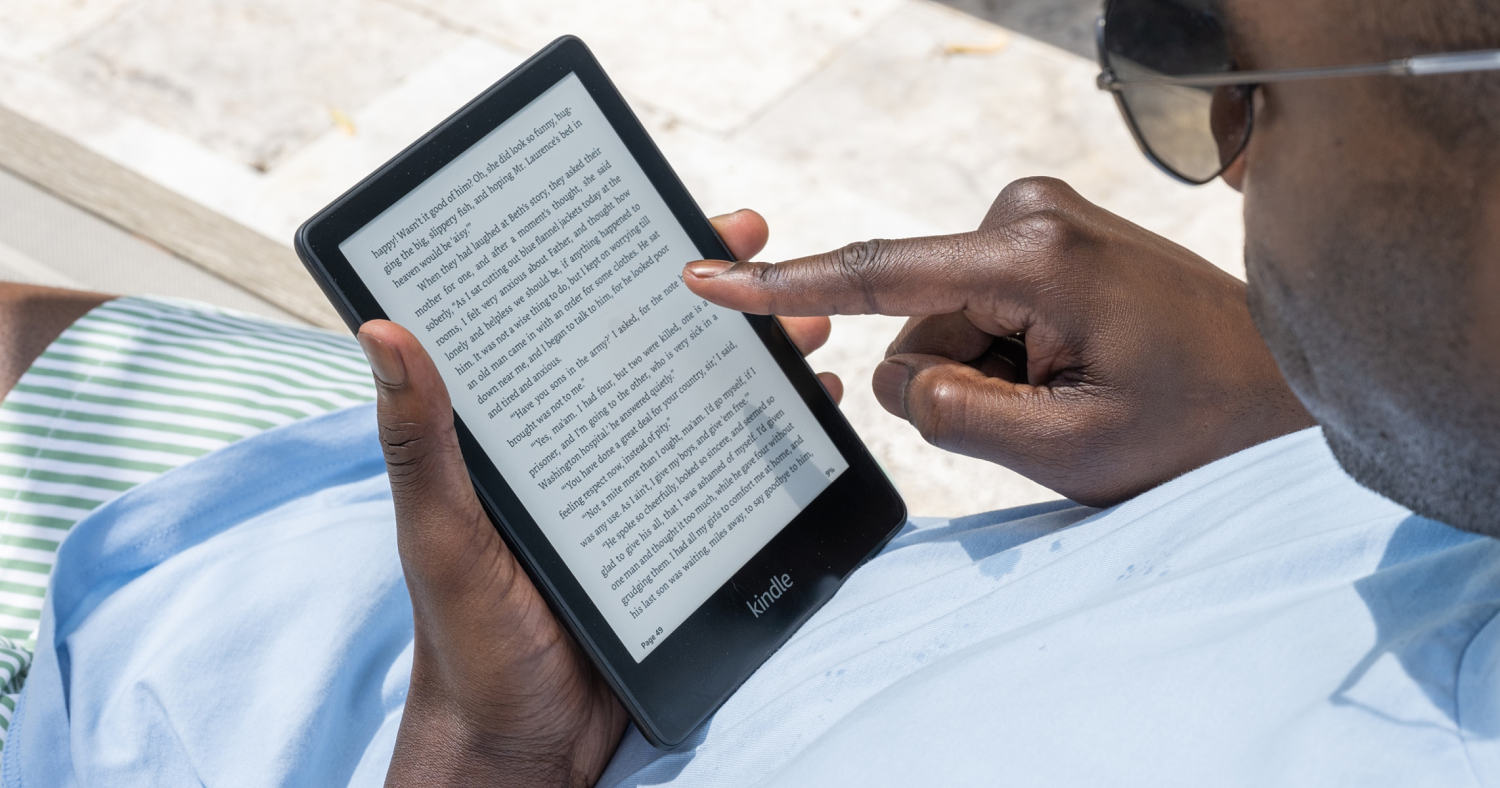
Amazon Kindle has been one of our favorite e-readers for years — some of our editors have actually been using them as far back as 2012. (The first Kindle came out in 2007). If you’re unfamiliar, they’re known for being lightweight, simple to use and make reading while on the go a lot more pleasant than using your phone or a tablet that wasn’t made for reading.
Amazon Kindle has been one of our favorite e-readers for years — some of our editors have actually been using them as far back as 2012. (The first Kindle came out in 2007). If you’re unfamiliar, they’re known for being lightweight, simple to use and make reading while on the go a lot more pleasant than using your phone or a tablet that wasn’t made for reading.
Now, nearly 20 years after the release of its first model, Amazon has a few versions, each with slight variations that can make it confusing to know which one is right for you, especially when most of them look the same at a glance. I’ve tested different Kindle devices for years, and explain the key differences below so you don’t spend your money only to find that you prefer a different option. Here’s how to pick the best Kindle for your needs.
Which is the best Kindle model to buy?
There are a handful of different Amazon Kindle models to choose from and which one will be best for you depends on your needs and the features you value. NBC Selected editors have tested nearly all of them, and they each have key differences that help you decide which one to buy.
Best overall: Amazon Kindle Paperwhite (2024)
The Kindle Paperwhite is the go-to model for many NBC Selected staffers, myself included. Like all Kindles, it has a glare-free screen that makes it easy to read outside, even under bright sunlight. What makes the Paperwhite our favorite is its long battery life (the longest of any Kindle) and adjustable hue — you can change the tone of the screen light to be warmer or cooler. The warmer hue in particular makes it easier on the eyes when reading in dark rooms.
I pair mine with a Kindle Paperwhite fabric case — it’s soft and slim, and automatically turns the screen off when closed.
Best budget: Amazon Kindle (2024)
The plain Amazon Kindle, no tagline, is the model to get if you want the lowest-priced option. Despite its lower cost, using it is more or less a similar experience as any other Kindle — it uses the same software and same Kindle bookstore. Reading books and listening to audiobooks feels very similar on this (and every) Kindle.
It’s also the smallest and lightest Kindle at well under a half pound — the weight of an average-size orange. It doesn’t have the Paperwhite’s adjustable light hue and it isn’t waterproof so if you like to read at the beach or pool this may not be the one for you, but while you’re otherwise reading and swiping through your favorite book, you might not notice much of a difference.
Best color: Amazon Kindle Colorsoft
Amazon’s first color e-reader, the Kindle Colorsoft is a great fit for anyone reading a lot of colorful comic books and graphic novels. It also makes highlighted text more noticeable and useful than on black and white Kindles.
Outside of the color screen, the Kindle Colorsoft is most similar to the Kindle Paperwhite: It has the same adjustable light hue, waterproof design and seven-inch screen size.
It isn’t the best option if you plan on mostly reading regular, black and white books — the screen has slightly less contrast, so black and white text looks a little less crisp than on the Kindle and Kindle Paperwhite.
Best for note taking: Amazon Kindle Scribe (2024)
If you want a Kindle that can also be your notetaking companion, the Kindle Scribe is what you’re looking for. Former NBC Selected production coordinator Kelsey Fredricks tested it for two months and loved how responsive the screen was for taking notes. It comes with a stylus that’s smooth, comfortable to use and attaches to the side of the device with magnets for convenient storage.
You can sort your notes and documents on the e-reader and send them to your phone, computer, email or printer easily, says Fredricks.
The Scribe is larger than other Kindles, which makes it more comfortable for note taking but a bit bulkier in your hands and bag. At nearly a pound, it’s also a much heavier model. This model has an LED screen that allows you to read in a dark room, though there is a version without the light, too. You can read more in our Amazon Kindle Scribe review.
Want more from NBC Selected? Sign up for our newsletter, The Selection, and shop smarter.
Is it worth it to buy a Kindle in 2026?
An Amazon Kindle is a book-sized device that uses an electronic-ink screen to display text, which simulates the appearance of ink on paper, says Nick Tanzi, assistant director of the South Huntington Public Library. E-ink screens are more comfortable to look at for long periods of time than smartphone or tablet screens, in our experience. They are also free of glare and reflections, which make them easy to read outside in the sun, unlike a smartphone or tablet. You can adjust the brightness of the screen, change from light mode to dark mode and, with some models, change the warmth or cool hue of the light.
E-ink screens also use significantly less battery power than other kinds of screens — it’s part of the reason Kindle devices can go so long without needing a recharge.
Amazon Kindle devices connect to Wi-Fi so you can browse the Amazon Kindle store, where you can purchase and download e-books and audiobooks. Your Kindle can also typically sync to public library apps like Libby, so your loans will appear on your Kindle too. So investing in a Kindle is worth it if you’re an avid reader and prefer to have all your titles in one device, giving you several options anytime you like.
Is it worth getting a Kindle for kids?
Aside from the Kindle Scribe, all of the Kindles above come in kid-versions: The Kindle Kids, Kindle Paperwhite Kids and Kindle Colorsoft Kids. They are the same device as the “adult” version, but come with no ads, a protective cover and six months of Amazon Kids+, the brand’s age three to 12-book subscription service. If your child likes to read or you want to encourage them to, a Kindle Kids device is a worthwhile investment.
What is the Kindle Signature Edition?
Amazon also makes pricier versions of its Kindle Paperwhite and a Kindle Colorsoft, called Signature Editions. The Signature Edition models have more internal storage (32GB, up from 16GB), automatically adjust the screen brightness when you are in a bright or dark space, come without ads on the lockscreen and support Qi wireless charging.
For most people, I don’t think the Signature Edition is worth the extra cost — I have never come close to running out of storage on a Kindle, and the device has such good battery life that wired charging has never been an inconvenience.
What’s the difference between a tablet and a Kindle?
A tablet is more phone than e-reader: it can run hundreds of apps, including streaming platforms and video games. A Kindle is optimized for reading, and can’t do nearly as much as a tablet on purpose. Devices like the Boox Palma 2 toe the line between phone, tablet and e-reader.
Frequently asked questions
It depends on the size and type of book. An average e-book file is around 2MB, in my experience, and most Kindles come with 16GB of internal storage: that means it can store thousands of e-books easily. Be aware that graphic novels, cookbooks and comic books take up significantly more storage space.
If you have an active Prime Membership, Prime Reading is free, and allows you to access several e-books, audiobooks, magazines, and comic books at no cost. You do still have to pay for your Kindle device separately, and not all titles you are looking for will be free. However, Amazon often offers deals on Kindle Unlimited during Amazon Prime Day, Prime Big Deal Days and other sales events.
You can use your public library card to borrow e-books, audiobooks and other material free of charge, just like going to the library in-person. I use and love the library app Libby, which makes it easy to sync borrowed e-books from my phone to my Kindle.
Meet our e-reader expert
At NBC Selected, we work with experts who have specialized knowledge and authority based on relevant training and/or experience. We also take steps to ensure all expert advice and recommendations are made independently and without undisclosed financial conflicts of interest.
- Nick Tanzi is the assistant director of the South Huntington Public Library.
Why trust NBC Selected?
Harry Rabinowitz is a former reporter at NBC Selected who covered technology and fitness. For this piece, Rabinowitz spoke with an expert to learn more about the benefits of e-readers and how they work. Bethany Heitman-Samuda updated this story.