
Science
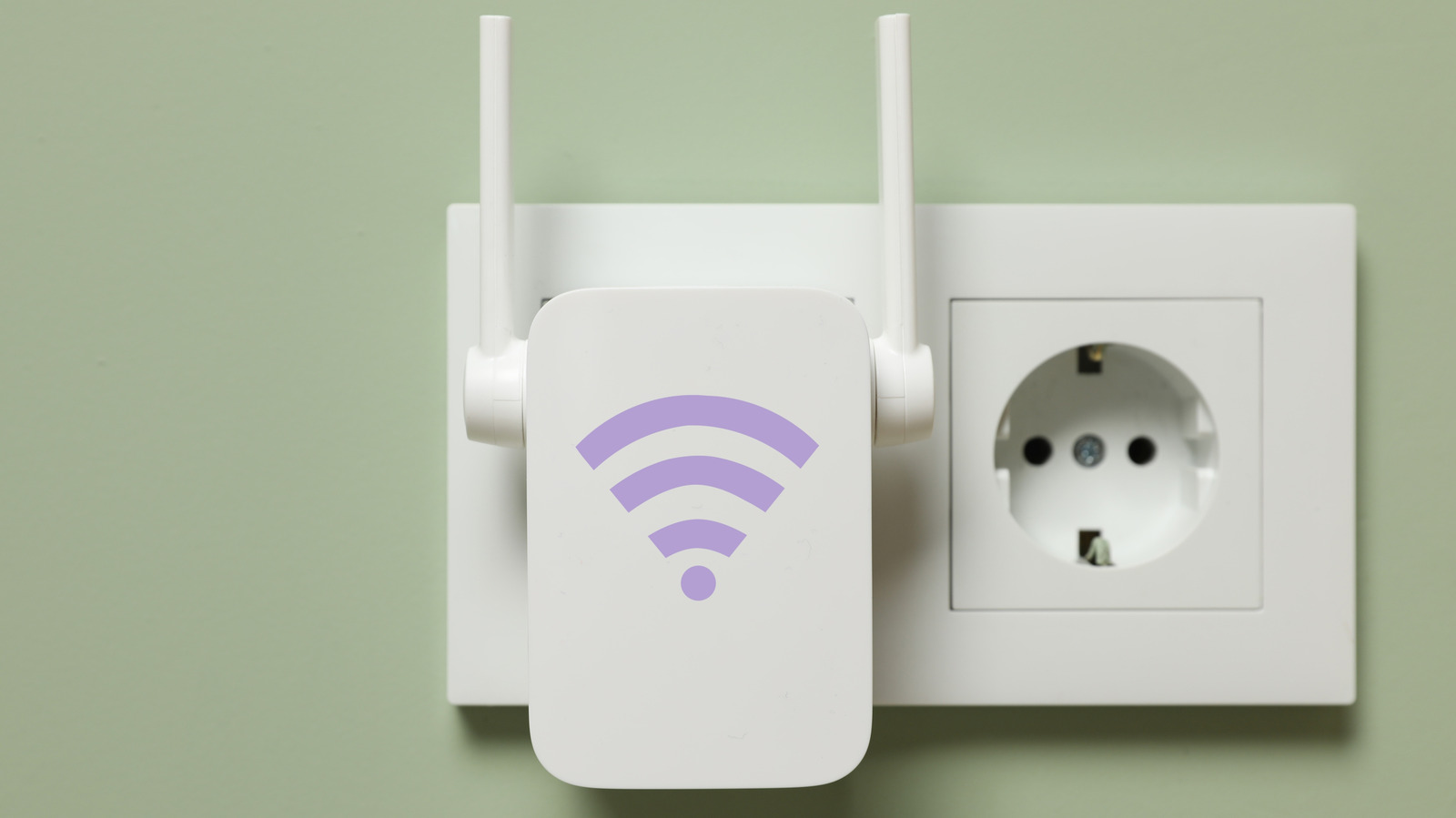
How far away can a Wi-Fi extender be from your router?
Key Points
How far away can a Wi-Fi extender be from your router? Wi-Fi extenders can be finicky, and placement matters more than you might think. No matter how many antennas your Wi-Fi router has, its signal can only go so far before it starts to decline and eventually fades entirely.
How far away can a Wi-Fi extender be from your router?
Wi-Fi extenders can be finicky, and placement matters more than you might think.
No matter how many antennas your Wi-Fi router has, its signal can only go so far before it starts to decline and eventually fades entirely. While that's normal, it can leave your home with Wi-Fi dead zones: areas where the wireless signal is weak or nonexistent. This is where Wi-Fi extenders can swoop in and help — to an extent.
Top Wi-Fi extenders, as their name implies, capture and extend the reach of your router's signal coverage. This makes them a simple and cost-effective solution for covering dead zones and weak spots, particularly in smaller homes. But similar to your router, a Wi-Fi extender has its limits. The biggest is that it simply re-broadcasts the signal it receives, regardless of whether it's weak or strong. In other words, you have to place it at just the right position to cover the dead zone while still receiving a strong signal from your router.
The prevailing placement recommendation is halfway between the device or dead zone and router. However, proper Wi-Fi extender placement also varies depending on how your space is built and what's inside it.
Understanding a Wi-Fi extender's effective range
Under ideal conditions, the halfway point usually works out to placing the extender around 25 to 40 feet from the router if it has external antennas. For models with internal antennas, suitable placement is 20 to 35 feet from the router.
The right positioning is vital because unlike a router, which only has to broadcast signals, an extender has to receive and then re-broadcast the signal it gets. Many Wi-Fi extenders use the same channel to receive and send data, which cuts their available bandwidth in half since they can't listen and speak at the same time. Bad placement worsens the effects of this.
Depending on how your space is built, finding a good spot might be difficult. The distance figures above assume a strong router signal and few obstacles. But barriers like thick concrete walls, brick, floors, metal surfaces, microwaves and even baby monitors all weaken or interfere with the signal. You'll need to account for those when deciding where to place the extender. If a brick wall or floor stands between your router and the dead zone, you'll likely need to place the extender closer to the router than the halfway point.
The best way to find the right spot is by letting the extender guide you. Most extenders have lights that show the strength of the signal they're receiving. Start by setting it up near the router, then gradually move it toward the dead zone while monitoring its signal LED. Do this until you find a balanced point where the extender covers the dead zone while still having a solid connection to the router. For best reception, keep it about four feet off the ground, roughly level with your router, and position the antennas straight up (perpendicular to the floor).
When a Wi-Fi extender is not enough: wired or mesh
Sometimes, Wi-Fi extenders aren't worth it because you can't get good performance from them anywhere. This is especially common in large homes. At that point, you have two other options.
The first is to go wired. Set your extender to access point mode, then run an Ethernet cable from it to your router. Going wired bypasses signal degradation and interference, and lets you place the extender right in the dead zone, all while keeping your router's bandwidth intact. Keep in mind that Ethernet cables have a maximum effective length of 100 meters (328 feet), and not all extenders have an Ethernet port or support access point mode.
The second option is getting one of the best mesh Wi-Fi systems. If the Ethernet cable didn't help or you're considering a second extender, this is the way to go. A mesh network uses nodes placed around your space to extend your router's signal, covering dead zones. Unlike Wi-Fi extenders, which create a separate "EXT" network you have to connect to, mesh systems keep everything on the same network while smart routing automatically connects your device to the strongest node. They handle signals traveling through unfriendly surfaces and spaces better than extenders, plus tri-band systems avoid halving your bandwidth.
Mesh systems are more expensive than Wi-Fi extenders, but their superior performance and reliability make them a better solution.