
Education
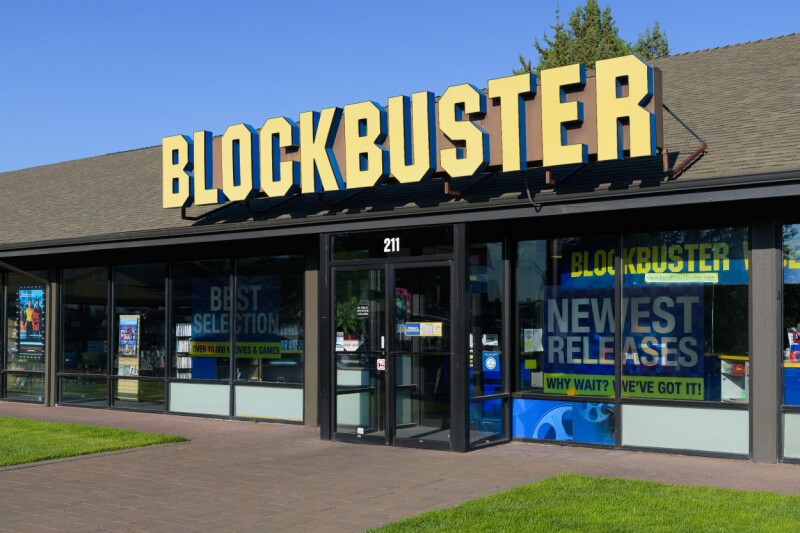
Blockbuster new Raspberry Pi project turns any screen into old-school VCR
Key Points
I love Star Trek so much. I’ve watched most Trek series multiple times over the decades, and was shocked when, on my most recent watch of The Next Generation, I noticed something: High definition upscaling makes the show look way worse. Old-school 4:3 CRT television screens with their low resolution hid a lot of stuff, like tape on the Enterprise set doors that hid whatever names were stenciled on them for prior episodes, which are glaringly present on modern editions of the show.
I love Star Trek so much. I’ve watched most Trek series multiple times over the decades, and was shocked when, on my most recent watch of The Next Generation, I noticed something: High definition upscaling makes the show look way worse. Old-school 4:3 CRT television screens with their low resolution hid a lot of stuff, like tape on the Enterprise set doors that hid whatever names were stenciled on them for prior episodes, which are glaringly present on modern editions of the show. I’ve always been on the lookout for a way to capture the classic Trek feeling, and one … ahem … enterprising developer has done just that. Anthony Caccese, a principal product lead for enterprise platforms at Oak Ridge National Laboratory by day and a Raspberry Pi tinkerer by night, recently published an open-source project called 240-MP on GitHub. It’s a simple concept: Text-based menus that look like an old-school VCR interface, but with modern functionality and, most importantly, the ability to play local media files and Plex libraries on an old-school CRT TV. 240-MP runs on a Raspberry Pi, is based on the command-line media player MPV, and can play local files (either on the Pi itself, a USB drive, an external hard disk, or even a network share) or media from a Plex server, as Caccese built modules for both local and Plex-based playback. If you don’t happen to have an old CRT TV or monitor lying around, or the necessary Pi-compatible composite cable to connect your SBC to said TV, 240-MP will also work with a modern screen and an HDMI connection, too. One note on the composite vs. HDMI option, as noted in the setup instructions: You will need to update the config.txt file to support one or the other, so have your output chosen ahead of time. Once the system is installed, you can navigate around 240-MP with either a remote control or a keyboard, where you’ll see text menus for navigating around to different folders, choosing episodes or playlists, switching audio and subtitle tracks, looping playback, and the like. It might look like an old-school VCR interface, but with a lot more capabilities. Caccese has only tested 240-MP on a Raspberry Pi 4B, 3B+, and 3B, noting that he’s not sure it’ll work on other devices and has no plans to test other hardware, either. What will be coming in the future, Caccese said in an accompanying YouTube video, is modules to support other media playback software, like Jellyfin (a popular Plex alternative in light of that massive price hike), and RetroArch, a frontend for emulators designed to play old-school video games. “Please feel free to fork this repo, update any aspects and tailor things to your own use case; that's why the source is fully open and available,” Caccese noted on GitHub. Now if I could only find a working CRT TV to pair with my old Raspberry Pi, I could go on a hardcore 90s nostalgia trip and feel just like I did watching VHS tapes of Star Trek episodes I recorded from the TV when I was a kid. After all, streaming high-def remasters just isn’t the same. ®